
eyecontact
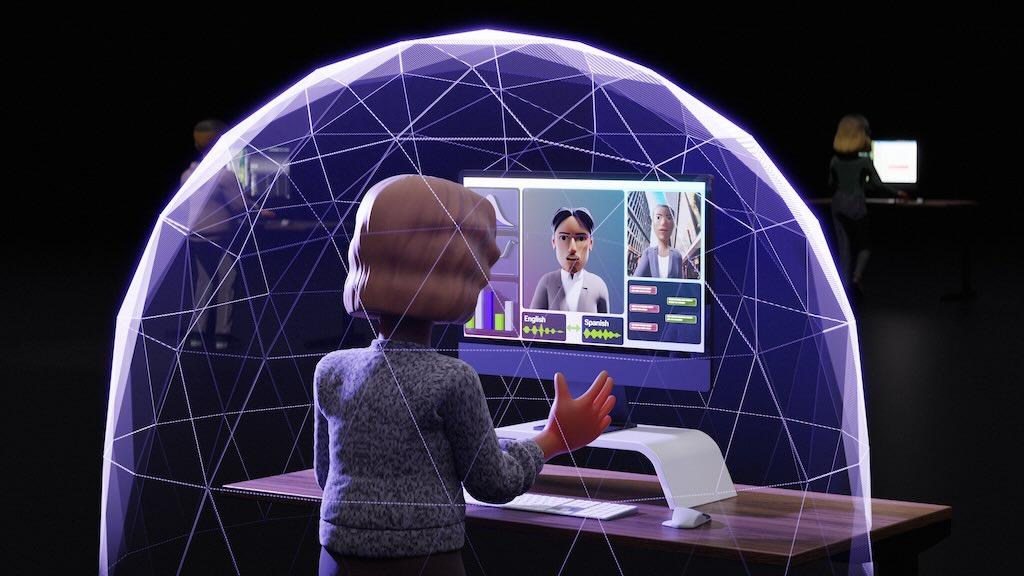
DownloadableEstimate gaze angles of a person in a video and redirect to make it frontal.
Follow the steps below to download and run the NVIDIA NIM inference microservice for this model on your infrastructure of choice.
Generate API Key
Pull and Run the NIM
NVIDIA Maxine Eye Contact NIM uses gRPC APIs for inferencing requests.
A NGC API Key is required to download the appropriate models and resources when starting the NIM. Pass the value of the API Key to the docker run command in the next section as the NGC_API_KEY environment variable as indicated.
If you are not familiar with how to create the NGC_API_KEY environment variable, the simplest way is to export it in your terminal:
export NGC_API_KEY=<PASTE_API_KEY_HERE>
Run one of the following commands to make the key available at startup:
# If using bash
echo "export NGC_API_KEY=<value>" >> ~/.bashrc

# If using zsh
echo "export NGC_API_KEY=<value>" >> ~/.zshrc
Other, more secure options include saving the value in a file, so that you can retrieve with cat $NGC_API_KEY_FILE, or using a password manager.
To pull the NIM container image from NGC, first authenticate with the NVIDIA Container Registry with the following command:
echo "$NGC_API_KEY" | docker login nvcr.io --username '$oauthtoken' --password-stdin
The following command launches a container with the gRPC service.
docker run -it --rm --name=maxine-eye-contact-nim \
  --runtime=nvidia \
  --gpus all \
  --shm-size=8GB \
  -e NGC_API_KEY=$NGC_API_KEY \
  -e MAXINE_MAX_CONCURRENCY_PER_GPU=1 \
  -e NIM_HTTP_API_PORT=8000 \
  -p 8000:8000 \
  -p 8001:8001 \
  nvcr.io/nim/nvidia/maxine-eye-contact:latest
Please note, the flag --gpus all is used to assign all available GPUs to the docker container.
To assign specific GPU to the docker container (in case of multiple GPUs available in your machine) use --gpus '"device=0,1,2..."'
If the command runs successfully, you get a response similar to the following.
I0903 10:35:41.664874 47 grpc_server.cc:2445] Started GRPCInferenceService at 0.0.0.0:9001
I0903 10:35:41.665204 47 http_server.cc:3555] Started HTTPService at 0.0.0.0:9000
I0903 10:35:41.706437 47 http_server.cc:185] Started Metrics Service at 0.0.0.0:9002
Maxine GRPC Service: Listening to 0.0.0.0:8001
By default Maxine Eye Contact gRPC service is hosted on port 8001. You will have to use this port for inferencing requests.
Test the NIM
We have provided a sample client script file in our GitHub repo. The script could be used to invoke the Docker container using the following instructions.
Download the Maxine Eye Contact Python client code by cloning the NIM Client Repository:
git clone https://github.com/NVIDIA-Maxine/nim-clients.git
cd nim-clients/eye-contact
Install the dependencies for the Maxine Eye Contact gRPC client:
sudo apt-get install python3-pip
pip install -r requirements.txt
Go to scripts directory
cd scripts
Run the command to send gRPC request
python eye-contact.py --target <target_ip:port> --input <input file path> --output <output file path along with file name>
Example command with sample input:
python eye-contact.py --target 127.0.0.1:8001 --input ../assets/sample_transactional.mp4 --output ../assets/output.mp4
For more details on getting started with this NIM including configuring using parameters, visit the NVIDIA Maxine Eye Contact NIM Docs.