
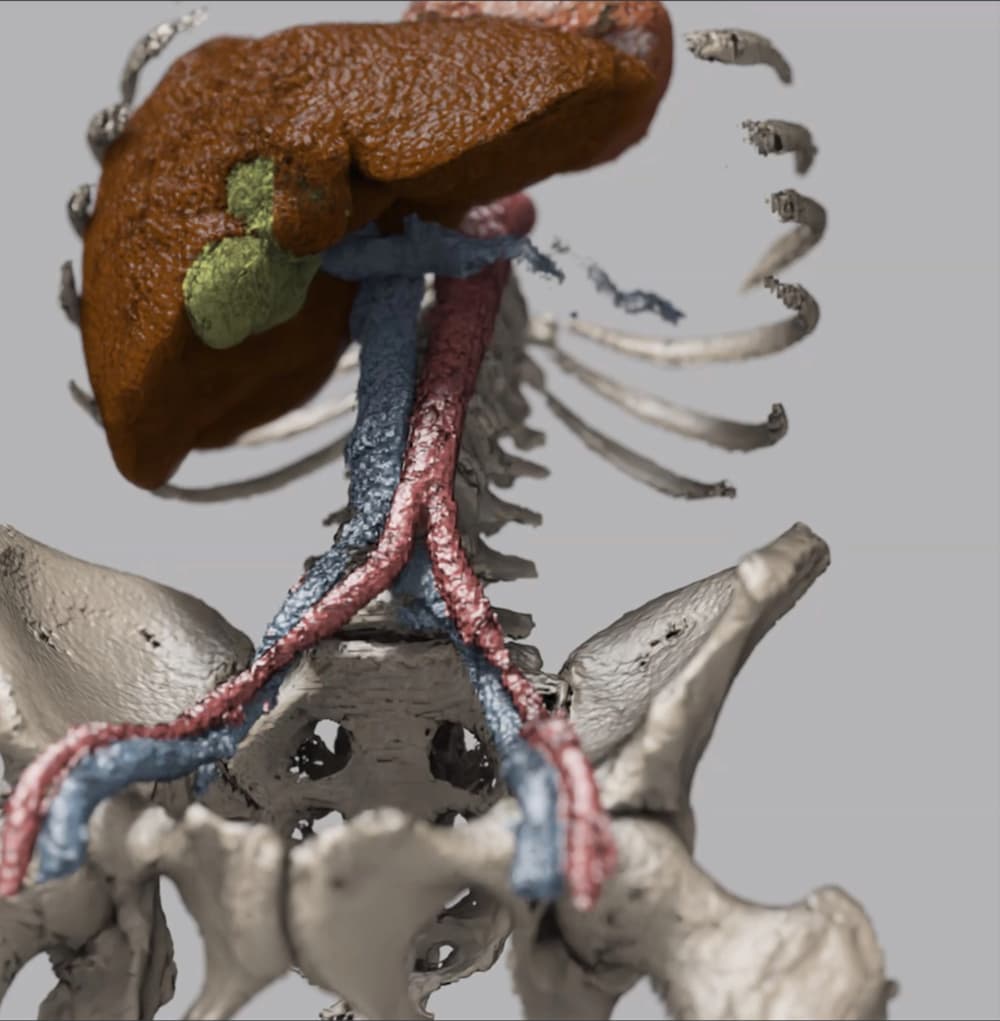
MAISI is a pre-trained volumetric (3D) CT Latent Diffusion Generative Model.
Follow the steps below to download and run the NVIDIA NIM inference microservice for this model on your infrastructure of choice.
NGC_API_KEY variable.export NGC_API_KEY=<your personal NGC key>
export LOCAL_NIM_CACHE=~/.cache/nim
mkdir -p $LOCAL_NIM_CACHE
Note that you may need to run (sudo) chmod -R 777 $LOCAL_NIM_CACHE after the MAISI model is downloaded to avoid permission issues.
$ docker login nvcr.io
Username: $oauthtoken
Password: <PASTE_API_KEY_HERE>
docker run --rm -it --name maisi \
   --runtime=nvidia -e CUDA_VISIBLE_DEVICES=0 \
   -p 8000:8000 \
   -e NGC_API_KEY=$NGC_API_KEY \
   nvcr.io/nim/nvidia/maisi:latest
This command will start the NIM container and expose port 8000 for the user to interact with the NIM.
{"status":"ready"} before proceeding. This may take a couple of minutes. You can use the following command to query the health check.curl -X 'GET' \
'http://localhost:8000/v1/health/ready' \
-H 'accept: application/json'
nim_client.py. Here's a script to generate synthetic images, this script will POST a request to /v1/maisi/run with image generation parameters. It then handles the response, saving ZIP files or displaying JSON messages as appropriate.import requests
from datetime import datetime
base_url = "http://localhost:8000"
# Generate synthetic image
payload = {
"num_output_samples": 1,
"body_region": ["abdomen"],
"anatomy_list": ["liver", "spleen"],
"output_size": [512, 512, 512],
"spacing": [1.0, 1.0, 1.0],
"image_output_ext": ".nii.gz",
"label_output_ext": ".nii.gz",
}
generation_response = requests.post(f"{base_url}/v1/maisi/run", json=payload)
if generation_response.status_code == 200:
print("Image generation request successful")
if generation_response.headers.get('Content-Type') == 'application/zip':
# Save ZIP file with timestamp
timestamp = datetime.now().strftime("%Y%m%d_%H%M%S")
zip_filename = f"output_{timestamp}.zip"
with open(zip_filename, "wb") as f:
f.write(generation_response.content)
print(f"Output saved as {zip_filename}")
elif 'application/json' in generation_response.headers.get('Content-Type', ''):
response_json = generation_response.json()
print("Response:", response_json.get('message') or response_json.get('error'))
else:
print("Unexpected response format")
else:
print(f"Error {generation_response.status_code}: {generation_response.text}")
python nim_client.py
output.zip.For more details on getting started with this NIM, visit the NVIDIA NIM Docs.