
Openfold
openfold3
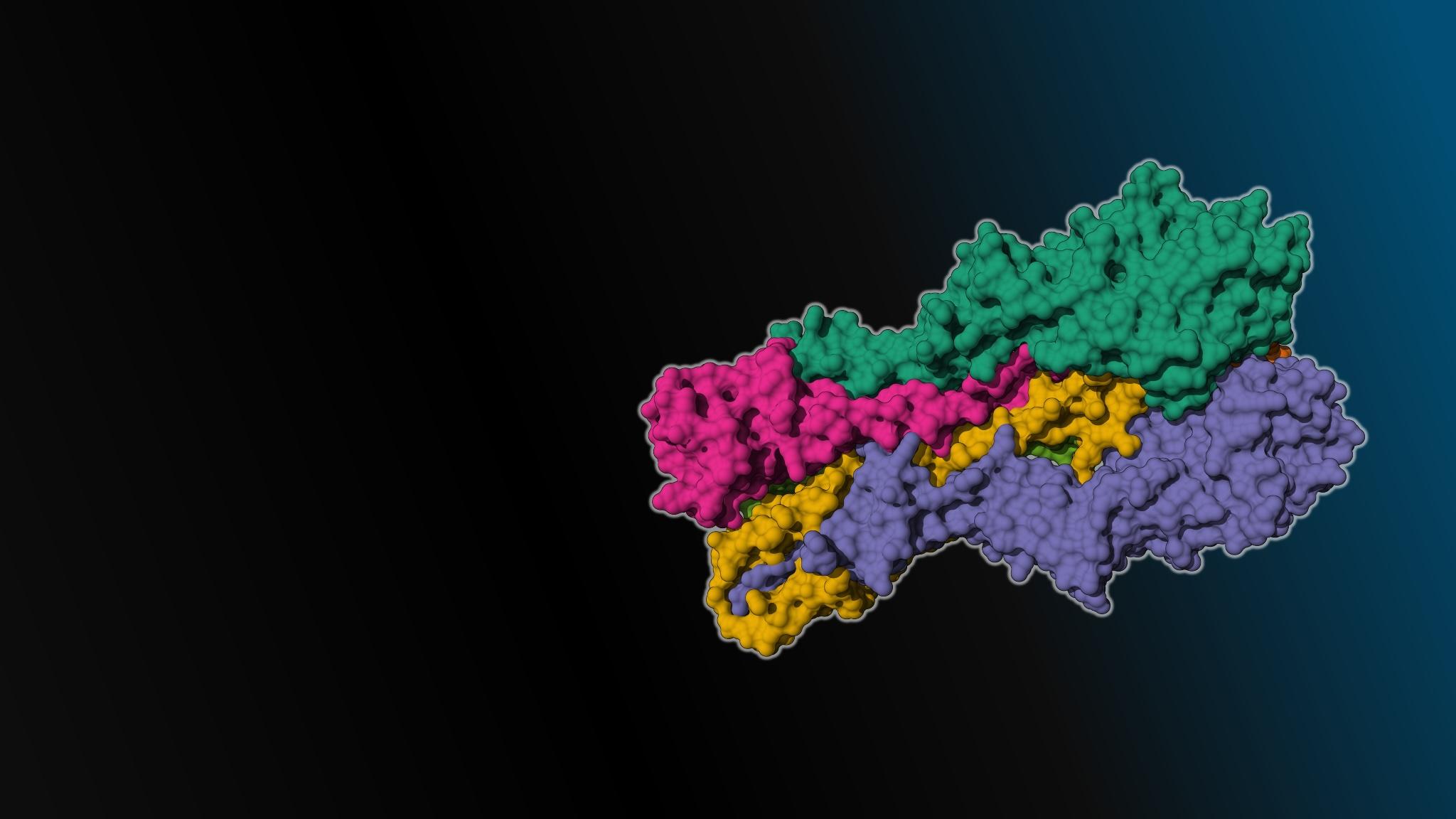
DownloadableOpenFold3 is a third-generation biomolecular foundation model that predicts the three-dimensional structures of molecular complexes (proteins, DNA, RNA, ligands)
Follow the steps below to download and run the NVIDIA NIM inference microservice for this model on your infrastructure of choice.
Generate API Key
Pull and Run the NIM
$ docker login nvcr.io
Username: $oauthtoken
Password: <PASTE_API_KEY_HERE>
Start the OpenFold3 NIM
- Export the
NGC_API_KEYenvironment variable.
export NGC_API_KEY=<your personal NGC key>
- The NIM container automatically downloads any required models. For OpenFold3, download should take about 5 minutes. To save time and bandwidth it is recommended to provide a local cache directory. This way the NIM will be able to reuse any already downloaded models. Execute the following command to setup the cache directory:
export LOCAL_NIM_CACHE=~/.cache/nim
mkdir -p $LOCAL_NIM_CACHE
chmod -R 777 $LOCAL_NIM_CACHE
- Run the NIM container with the following commands.
docker run -it \
    --runtime=nvidia \
    --shm-size=16gb \
    -p 8000:8000 \
    -e NGC_API_KEY \
    -v "$LOCAL_NIM_CACHE":/opt/nim/.cache \
    nvcr.io/nim/openfold/openfold3:latest
This will by default run on all available GPUs. Below is an example of running the NIM specifically on device 0:
docker run -it \
    --runtime=nvidia \
    --gpus='"device=0"' \
    --shm-size=16gb \
    -p 8000:8000 \
    -e NGC_API_KEY \
    -v "$LOCAL_NIM_CACHE":/opt/nim/.cache \
    nvcr.io/nim/openfold/openfold3:latest
- Query the NIM
The following python script can be saved to a file named openfold3.py and can then be run using
python openfold3.py. This will post a request to the locally-running NIM and save the response to output.json.
#!/usr/bin/env python3
import requests
import os
import json
from pathlib import Path

output_file = "output.json"
url = "http://localhost:8000/biology/openfold/openfold3/predict"

# Define protein sequence
protein_sequence = "MGREEPLNHVEAERQRREKLNQRFYALRAVVPNVSKMDKASLLGDAIAYINELKSKVVKTESEKLQIKNQLEEVKLELAGRLEHHHHHH"

# Define MSA alignment in CSV format
msa_alignment_csv = "key,sequence\n-1,MGREEPLNHVEAERQRREKLNQRFYALRAVVPNVSKMDKASLLGDAIAYINELKSKVVKTESEKLQIKNQLEEVKLELAGRLEHHHHHH"

# Define DNA sequences (complementary pair)
dna_sequence_b = "AGGAACACGTGACCC"
dna_sequence_c = "TGGGTCACGTGTTCC"

# Build request data
data = {
    "request_id": "5GNJ",
    "inputs": [
        {
            "input_id": "5GNJ",
            "molecules": [
                {
                    "type": "protein",
                    "id": "A",
                    "sequence": protein_sequence,
                    "msa": {
                        "main_db": {
                            "csv": {
                                "alignment": msa_alignment_csv,
                                "format": "csv",
                            }
                        }
                    }
                },
                {
                    "type": "dna",
                    "id": "B",
                    "sequence": dna_sequence_b
                },
                {
                    "type": "dna",
                    "id": "C",
                    "sequence": dna_sequence_c
                }
            ],
            "output_format": "pdb"
        }
    ]
}

r = requests.post(url=url, json=data)
print(r, "Saving to output.json:\n", r.text[:200], "...")
Path(output_file).write_text(r.text)
For more details on getting started with this NIM, visit the NVIDIA NIM Docs.