
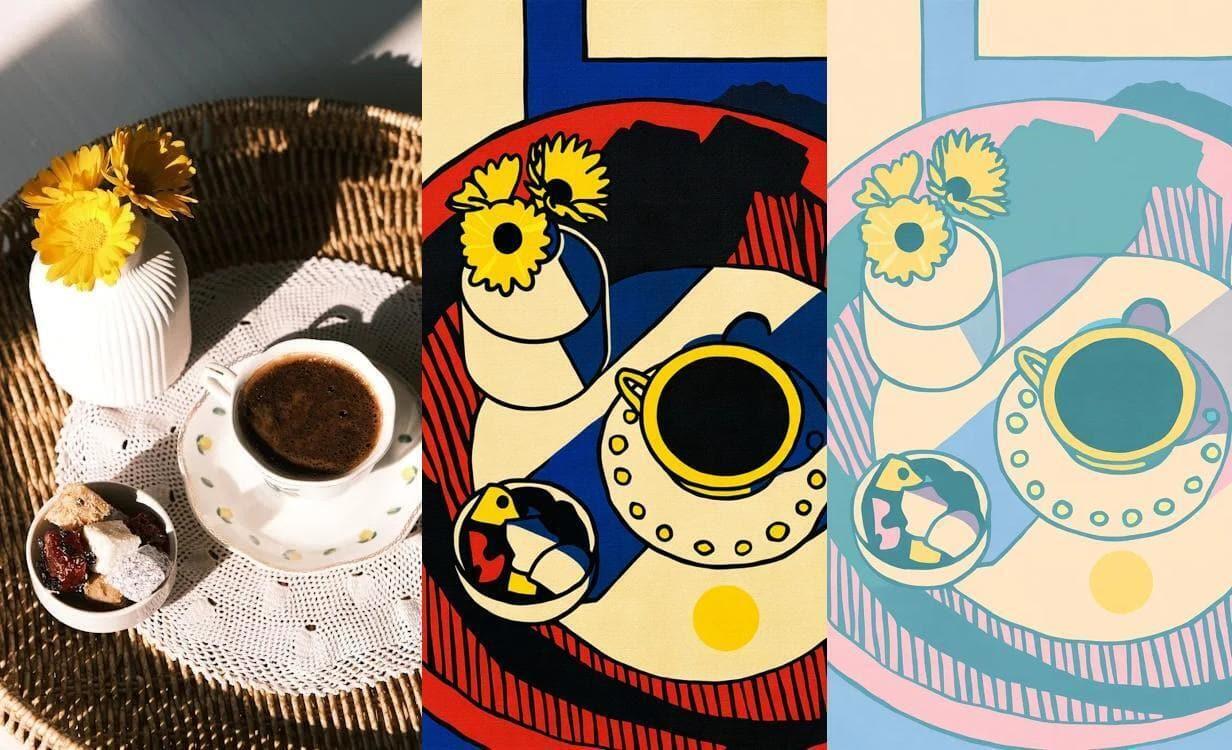
FLUX.1 Kontext is a multimodal model that enables in-context image generation and editing.
Follow the steps below to download and run the NVIDIA NIM inference microservice for this model on your infrastructure of choice.
To access FLUX.1-Kontext-dev model read and accept FLUX.1-Kontext-dev and FLUX.1-Kontext-dev-onnx License Agreements and Acceptable Use Policy.
Create a new Hugging Face token with Read access to contents of all public gated repos you can access permission.
Export your personal credentials as environment variables:
export NGC_API_KEY=<PASTE_API_KEY_HERE>
export HF_TOKEN=<PASTE_HUGGING_FACE_TOKEN_HERE>
Login to NVIDIA NGC so that you can pull the NIM container:
echo "$NGC_API_KEY" | docker login nvcr.io --username '$oauthtoken' --password-stdin
Pull and run the NIM with the command below.
# Create the cache directory on the host machine.
export LOCAL_NIM_CACHE=~/.cache/nim
mkdir -p "$LOCAL_NIM_CACHE"
chmod 777 $LOCAL_NIM_CACHE

docker run -it --rm --name=nim-server \
  --runtime=nvidia --gpus='"device=0"' \
  -e NGC_API_KEY=$NGC_API_KEY \
  -e HF_TOKEN=$HF_TOKEN \
  -p 8000:8000 \
  -v "$LOCAL_NIM_CACHE:/opt/nim/.cache/" \
  nvcr.io/nim/black-forest-labs/flux.1-kontext-dev:latest
When you run the preceding command, the container downloads the model, initializes a NIM inference pipeline, and performs a pipeline warm up.
A pipeline warm up typically requires up to three minutes. The warm up is complete when the container logs show Pipeline warmup: start/done.
invoke_url="http://localhost:8000/v1/infer"

input_image_path="input.jpg"
# download an example image
curl https://assets.ngc.nvidia.com/products/api-catalog/flux_1-kontext-dev/input2.jpg > $input_image_path
image_b64=$(base64 -w 0 $input_image_path)

echo '{
    "prompt": "Now the mouse is holding pizza instead",
    "image": "data:image/png;base64,'${image_b64}'",
    "seed": 0,
    "steps": 30
}' > payload.json

output_image_path="result.jpg"

response=$(curl -X POST $invoke_url \
    -H "Accept: application/json" \
    -H "Content-Type: application/json" \
    -d @payload.json )
response_body=$(echo "$response" | awk '/{/,EOF-1')
echo $response_body | jq .artifacts[0].base64 | tr -d '"' | base64 --decode > $output_image_path
For more details on getting started with this NIM including configuring using parameters, visit the Visual GenAI NIM docs.