
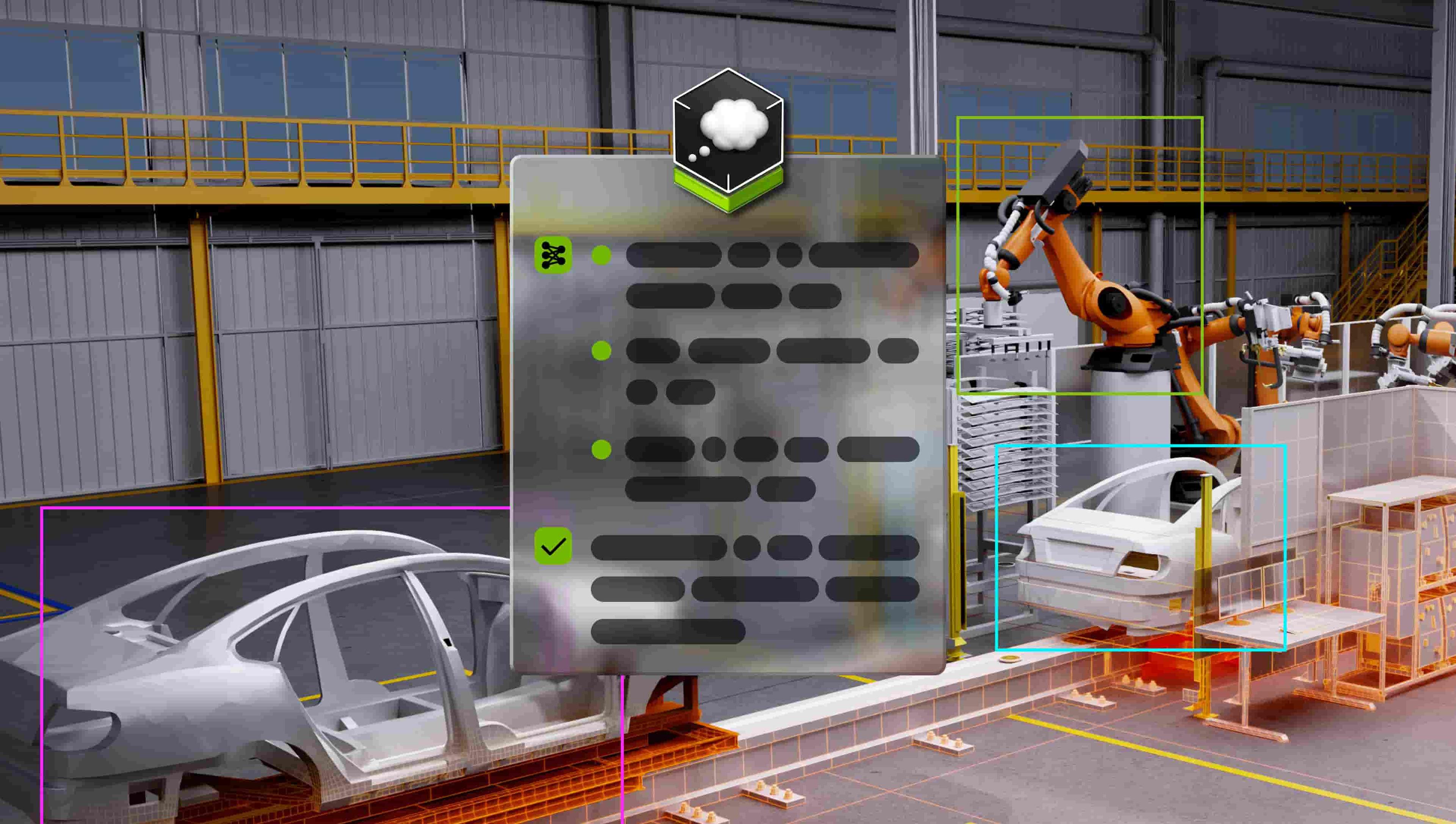
Reasoning vision language model (VLM) for physical AI and robotics.
Follow the steps below to download and run the NVIDIA NIM inference microservice for this model on your infrastructure of choice.
$ docker login nvcr.io
Username: $oauthtoken
Password: <PASTE_API_KEY_HERE>
Pull and run the NVIDIA NIM with the command below. This will download the optimized model for your infrastructure.
export NGC_API_KEY=<PASTE_API_KEY_HERE>
export LOCAL_NIM_CACHE=~/.cache/nim
mkdir -p "$LOCAL_NIM_CACHE"
docker run -it --rm \
    --gpus all \
    --ipc host \
    --shm-size=32GB \
    -e NGC_API_KEY \
    -v "$LOCAL_NIM_CACHE:/opt/nim/.cache" \
    -u $(id -u) \
    -p 8000:8000 \
    nvcr.io/nim/nvidia/cosmos-reason1-7b:latest
You can now make a local API call using this curl command:
curl -X 'POST' \
'http://0.0.0.0:8000/v1/chat/completions' \
    -H 'Accept: application/json' \
    -H 'Content-Type: application/json' \
    -d '{
        "model": "nvidia/cosmos-reason1-7b",
        "messages": [
            {
                "role": "user",
                "content": [
                    {
                        "type": "text",
                        "text": "What is in this image?"
                    },
                    {
                        "type": "image_url",
                        "image_url": {
                            "url": "https://www.nvidia.com/content/dam/en-zz/Solutions/about-nvidia/logo-and-brand/01-nvidia-logo-vert-500x200-2c50-d.png"
                        }
                    }
                ]
            }
        ],
        "max_tokens": 256
    }'
For more details on getting started with this NIM, visit the NVIDIA NIM Docs.