
NVIDIA
cosmos3-nano-reasoner
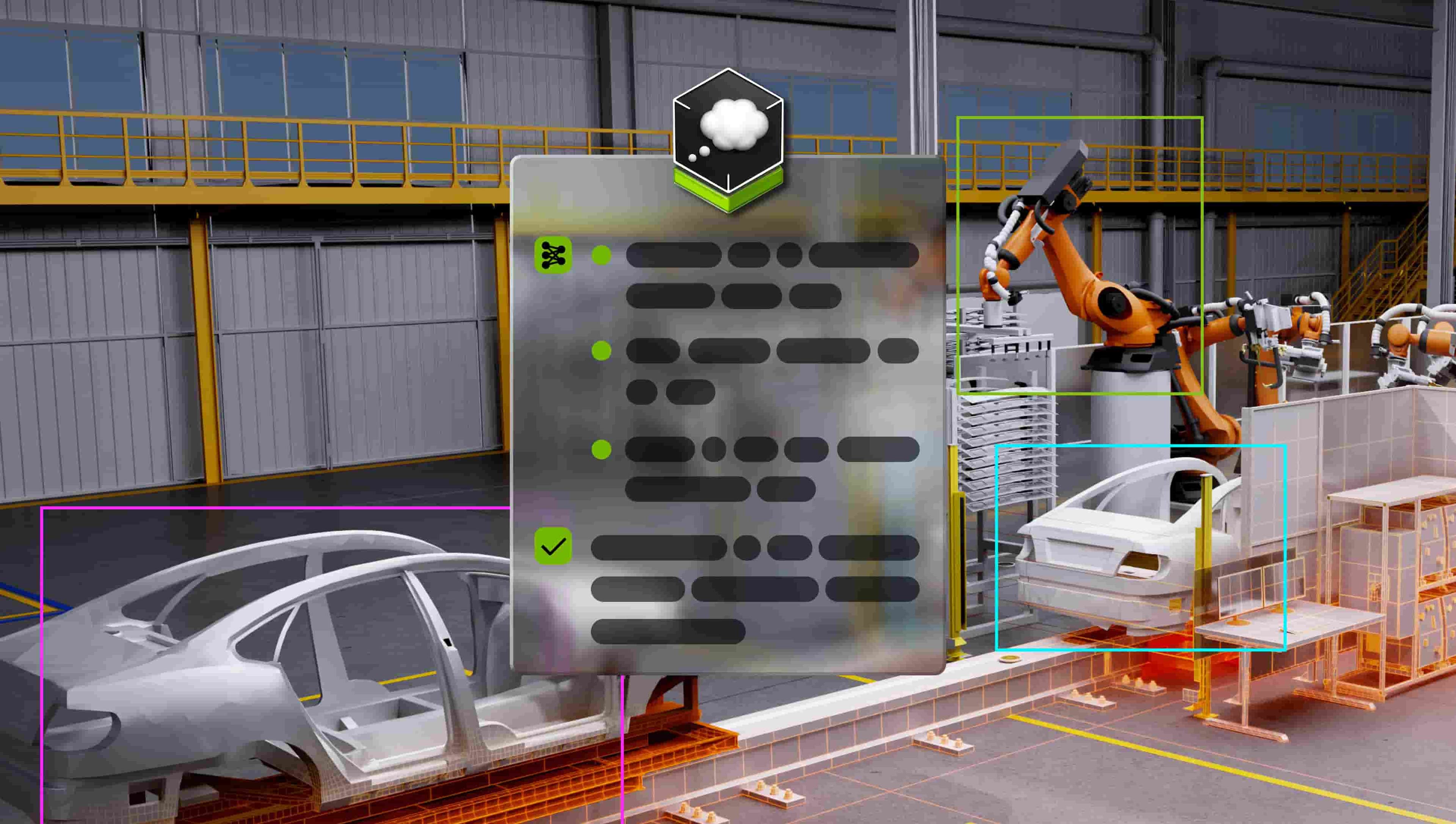
DownloadableFree EndpointVision language model that excels in understanding the physical world using structured reasoning on videos or images.
Follow the steps below to download and run the NVIDIA NIM inference microservice for this model on your infrastructure of choice.
Generate API Key
Pull and Run the NIM
Bash
$ docker login nvcr.io
Username: $oauthtoken
Password: <PASTE_API_KEY_HERE>
Pull and run the NVIDIA NIM with the command below. This will download the optimized model for your infrastructure.
Bash
export NGC_API_KEY=<PASTE_API_KEY_HERE>
export LOCAL_NIM_CACHE=~/.cache/nim
mkdir -p "$LOCAL_NIM_CACHE"
chmod -R a+w "$LOCAL_NIM_CACHE"
docker run -it --rm \
    --gpus all \
    --ipc host \
    --shm-size=32GB \
    -e NGC_API_KEY \
    -v "$LOCAL_NIM_CACHE:/opt/nim/.cache" \
    -u $(id -u) \
    -p 8000:8000 \
    nvcr.io/nim/nvidia/cosmos3-reasoner:latest
Test the NIM
You can now make a local API call using this curl command:
Bash
curl -X 'POST' \
'http://127.0.0.1:8000/v1/chat/completions' \
    -H 'Accept: application/json' \
    -H 'Content-Type: application/json' \
    -d '{
        "model": "nvidia/cosmos3-nano-reasoner",
        "messages": [
            {
                "role": "system",
                "content": "You are a helpful assistant."
            },
            {
                "role": "user",
                "content": [
                    {
                        "type": "image_url",
                        "image_url":
                            {
                                "url": "https://assets.ngc.nvidia.com/products/api-catalog/phi-3-5-vision/example1b.jpg"
                            }
                    },
                    {
                        "type": "text",
                        "text": "What is in this image?"
                    }
                ]
            }
        ],
        "max_tokens": 256,
        "stream": false
    }'
For more details on getting started with this NIM, visit the NVIDIA NIM Docs.