NVIDIA
Explore
Models
Blueprints
GPUs
Docs
⌘KCtrl+K
Terms of Use
Privacy Policy
Your Privacy Choices
Contact

Copyright © 2026 NVIDIA Corporation

Start Building on DGX Station

Find instructions and examples to run AI workloads on the NVIDIA GB300 Grace Blackwell Ultra Desktop Superchip

Stay informed about DGX Station

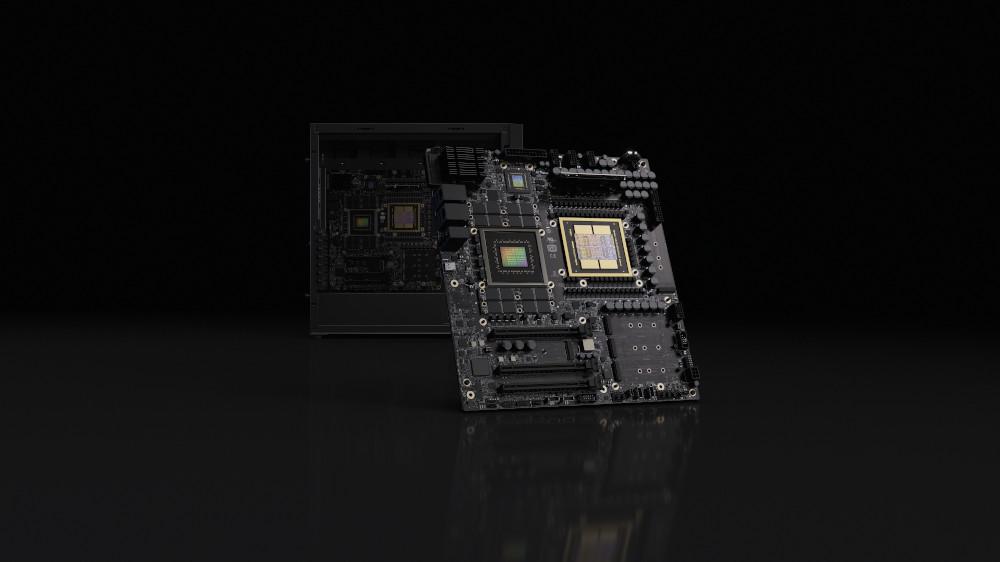
The ultimate deskside AI supercomputer powered by NVIDIA Grace Blackwell.

Learn More

Maximize GPU Utilization with MIG

Split GPUs into smaller instances for efficient multi-model inference and development.

MIG on DGX Station

MIG on DGX Station

Enable and configure Multi-Instance GPU (MIG) on DGX Station with GB300 Ultra (B300 GPUs)

Configure Now

Get Started on GB300

Try these developer quickstarts

Run NemoClaw on DGX Station

Run OpenClaw in an OpenShell sandbox on DGX Station with Ollama (Nemotron)

Serve Qwen3-235B with vLLM

Set up vLLM server with Qwen3-235B on DGX Station

NVFP4 Quantization

Quantize a model to NVFP4 to run on DGX Station using TensorRT Model Optimizer

Local Coding Agent

Run local CLI coding agents with Ollama on DGX Station (NVIDIA GB300) using glm-4.7-flash (fast) or unsloth/GLM-4.7-GGUF:Q8_0 (best quality)

See More Playbooks Below

Explore Playbooks

Detailed instructions to set up and run popular AI workflows on DGX Station

DGX Station

Topic Modeling

Extract insights from massive text datasets using cuML's GPU-accelerated BERTopic
Data Science
1w
DGX Station

Text to Knowledge Graph on DGX Station

Transform unstructured text into interactive knowledge graphs with LLM inference and graph visualization
GraphRAG
1w
DGX Station

Nanochat Training

Train a small ChatGPT-style LLM (nanochat) with tokenizer, pretraining, midtraining, and SFT on DGX Station with GB300 Ultra
Station
1w
DGX Station

Secure Long Running AI Agents with OpenShell on DGX Station

Run OpenClaw in an NVIDIA OpenShell sandbox on DGX Station
Station
Today